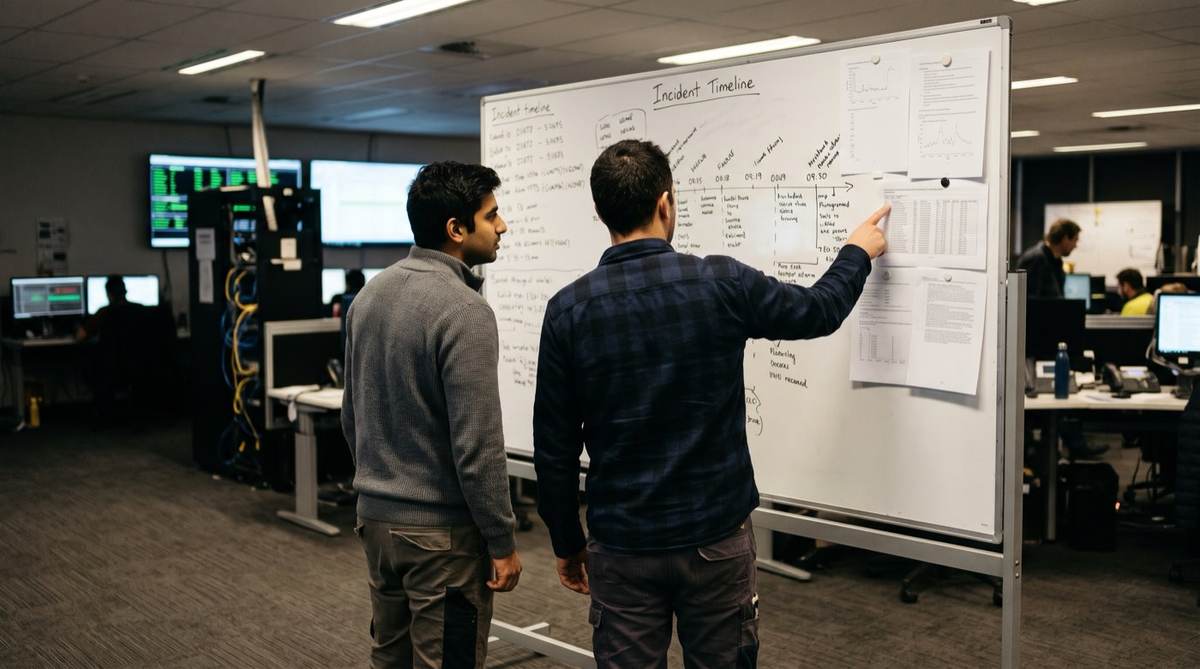
The difference between an AI agent and an AI chatbot is action. A chatbot responds to each prompt within a conversation. An AI agent is given a goal, plans the steps, calls tools such as databases, APIs and logs, checks what it finds, and delivers an outcome. For enterprises, agents suit multi-step work across systems, with a person approving high-impact actions.
Key takeaways
- Chatbots talk, agents act: an agent plans, uses tools and adapts based on what it finds.
- Most agents use a reasoning loop (often called ReAct): think, act, observe, repeat.
- Chatbots suit high-volume FAQs and structured conversations. Agents suit investigation, research and multi-system workflows.
- Incident investigation is a strong first agent use case: clear goal, bounded scope, read-only access, verifiable result.
- Governance matters more for agents: scoped access, audit logs, human approval and rate limits.
What is the difference between an AI agent and a chatbot?
The simplest summary: chatbots talk, agents act. Gartner predicted in August 2025 that 40% of enterprise applications will include task-specific AI agents by the end of 2026, up from less than 5% in 2025. Many leaders still use the two terms interchangeably, which leads to buying the wrong tool for the job.
This article explains the technical and practical differences, when to use each, and how to move from one to the other.
What is an AI chatbot?
A chatbot is conversational software that responds to queries within a defined scope. Rule-based or powered by a large language model, chatbots share these traits:
- Reactive: they wait for user input.
- Response-focused: each reply addresses the immediate question.
- Bounded: they operate within set topics or capabilities.
- User-driven: users must ask the right questions to get useful answers.
| Aspect | Description | Impact | |
|---|---|---|---|
| Input Model | Waits for user message | Response per prompt | Reactive |
| Decision Making | Within conversation | Limited to reply | Guided |
| Tool Access | Minimal or none | Static permissions | Constrained |
| Learning | Per-session context | No cross-session memory | Stateless |
| Initiative | None | User must drive | None |
What is an AI agent?
An AI agent plans, reasons and carries out multi-step tasks toward a goal. The Cloud Security Alliance (2025) describes agents as making real-time decisions and executing complex workflows with limited human oversight, which is why governance matters.
What sets agents apart:
- Goal-oriented: given an objective, they work out how to achieve it.
- Multi-step reasoning: they plan sequences of actions.
- Tool use: they search databases, call APIs, run code and update systems.
- Adaptive: they change approach based on what they discover.
- Memory: they can retain context across tasks.
Many agent platforms also let an agent load packaged procedures, called skills, when a task matches. Our guide to AI skills vs AI agents covers when each fits.
- Goal ReceivedUser defines objective
- PlanningAgent determines steps
- Tool ExecutionQueries systems, searches data
- ObservationEvaluates results
- AdaptationAdjusts approach if needed
- Goal AchievedDelivers outcome
Conversation or action: what does the difference look like?
Chatbot interaction:
- User: "What caused the server outage last night?"
- Chatbot: "I don't have access to your server logs. You could check your monitoring tools for error patterns."
Agent interaction:
- User: "Investigate last night's server outage."
- Agent: searches the error logs, finds 500 errors starting at 2:47 am, checks the deployment log, finds a config change at 2:45 am, cross-references Git commits, traces it to a database connection pool setting, and delivers a root cause report with evidence.
The chatbot answered a question. The agent worked the problem.
| AI Chatbot | AI Agent | Impact | |
|---|---|---|---|
| Input requirement | Waits for each prompt | Given a goal, works through the steps | Proactive |
| Reasoning depth | Single response per query | Multi-step planning and execution | Complex |
| Tool access | Minimal (maybe search) | APIs, databases, code, systems | Extensive |
| Decision making | None, user decides | Chooses next steps, follows leads | Goal-driven |
| Adaptation | Static within session | Adjusts based on findings | Dynamic |
| Memory | Session only | Persistent across tasks | Continuous |
How do AI agents reason through multi-step tasks?
Most agent frameworks use a pattern called ReAct (Reasoning and Acting). The Prompt Engineering Guide describes it as interleaving a series of steps: Thought, Action and Observation.
- ThoughtAgent reasons about what to do next
- ActionAgent executes a tool or API call
- ObservationAgent evaluates the result
- LoopRepeat until goal achieved
The loop continues until the agent reaches the goal or needs a person's input.
How do agents call tools?
Agents use function calling (tool use). The model produces structured output naming a function and its parameters, and an orchestration layer runs the actual call and returns the result. An investigation agent might have:
- search_logs(query, timeframe): query the logging platform.
- query_database(sql): run read-only SQL.
- search_codebase(pattern): search Git repositories.
- get_ticket_details(ticket_id): fetch ticket information.
- get_deployment_history(service, timeframe): check recent deployments.
The agent decides which tools to use, and in what order, based on what it finds.
What does an agent look like in incident investigation?
Take a production incident where users report slow page loads.
The chatbot approach
Engineer: "Users are reporting slow page loads. What should I check?"
Chatbot: "Check database query performance, API response times, CDN cache hit rates, server CPU and memory, and network latency."
Useful, but the engineer still checks each system, correlates the data and finds the cause by hand.
The agent approach
Engineer: "Investigate slow page loads reported in the last 2 hours."
Agent actions:
- Queries application monitoring for slow endpoints and finds one product API far slower than normal.
- Checks the database slow query log and finds a slow query on the products table.
- Examines recent database changes and finds a migration three hours ago.
- Retrieves the migration details: an index was dropped for maintenance.
- Cross-references timing, which matches.
- Delivers a report: "Likely root cause: the index on products.category_id was dropped during the 14:32 migration. Recommendation: rebuild the index." An engineer verifies and acts.
- Manual: engineer gathers and correlates evidence across systemsMost of the effort
- Agent: gathers evidence and drafts the root causeFirst pass done
- Engineer: reviews evidence and decides the fixJudgement stays human
When should you use a chatbot and when an agent?
What is your primary use case?
- High-volume FAQ answeringChatbot
- Customer service triageChatbot with escalation
- Complex investigation or researchAgent
- Multi-system workflow automationAgent
- Simple information retrievalChatbot
- Decisions within defined bounds, with approvalAgent
Use a chatbot when
- Volume is high and complexity low: FAQs, basic queries, information retrieval.
- Conversations are structured: collecting information or verification.
- Simplicity and cost are the priority.
- No system actions are needed.
Use an agent when
- Investigation is needed: root cause analysis, research, audits.
- Work spans several systems in sequence.
- You are comfortable with AI acting within defined bounds, with a person approving high-impact steps.
- Data from multiple sources must be synthesised.
How do organisations move from chatbots to agents?
Many organisations start with chatbots and move to agents as their capability grows.
- Phase 1Basic ChatbotFAQ bot, information retrieval
- Phase 2LLM ChatbotLanguage model conversations, better understanding
- Phase 3Chatbot + ToolsSimple integrations (search, knowledge base)
- Phase 4Task-Specific AgentsAgents for defined workflows
- Phase 5Multi-Agent SystemsAgents collaborating across domains
Gartner's August 2025 outlook expects agents to move from task-specific use inside applications toward collaboration within and across platforms over the rest of the decade. For when several agents are needed, see multi-agent AI systems.
What should you consider before deploying AI agents?
Security and governance
Agents need access to systems and data, so governance carries more weight:
- Scope limits: define exactly what agents can read and change.
- Audit trails: log every agent action.
- Human approval: a person approves before anything reaches a customer or system of record.
- Credential management: manage the keys agents use to access systems.
- Rate limits: prevent runaway behaviour.
Our AI agent governance guide covers this in detail.
Infrastructure
Agents need model access (a hosted model or one running on your own infrastructure), tool integrations, an orchestration layer for the reasoning loop, memory or context storage, and monitoring. Running the model and orchestration on your own infrastructure in Australia keeps data inside your environment.
How do you start your first agent project?
- Week 1-2Audit Current StateMap chatbot use cases, identify high-value automation candidates
- Week 3-4Pilot SelectionChoose one bounded, high-impact workflow for an agent pilot
- Week 5-8Build and TestDevelop the agent with limited tool access, test thoroughly
- Week 9-12Controlled DeploymentRun alongside the team with human oversight until it proves accurate
Why is incident investigation a good first agent?
- Clear goal: find the root cause.
- Bounded scope: specific systems and timeframes.
- High value: shorter resolution times.
- Verifiable: you can check whether the agent found the right cause.
- Low risk: read-only access to logs and systems.
We built RootCauseAI, our own product, for exactly this. It runs inside your own environment, searches logs, queries databases, analyses code and correlates tickets and deployment history, then produces a root cause report with evidence for an engineer to verify. Your code and data stay within your infrastructure. Our IT support agent deployment story explains how it works.
Summary: chatbots and agents compared
| Chatbots | Agents |
|---|---|
| React to prompts | Pursue goals |
| Generate text responses | Execute multi-step actions |
| Bounded by conversation | Bounded by tool access |
| User drives the interaction | Agent works toward an outcome |
| Stateless per session | Persistent memory |
How Solve8 can help
Our consultants and engineers design agents with scoped access, audit trails and human approval, running on your infrastructure in Australia. See our custom AI development and managed services, or talk to us about your first agent.
Related reading
- Multi-Agent Document Processing: Architecture Patterns
- Build vs Buy AI: The Complete TCO Guide
- Why AI Projects Fail: The Blame Game
- Legacy System Integration with Modern AI
- AI Agents: 7 Business Functions to Start With
Sources: Gartner, 40% of enterprise apps will feature task-specific AI agents by 2026 (August 2025); Cloud Security Alliance, AI Agents vs AI Chatbots (June 2025); Prompt Engineering Guide: LLM Agents.