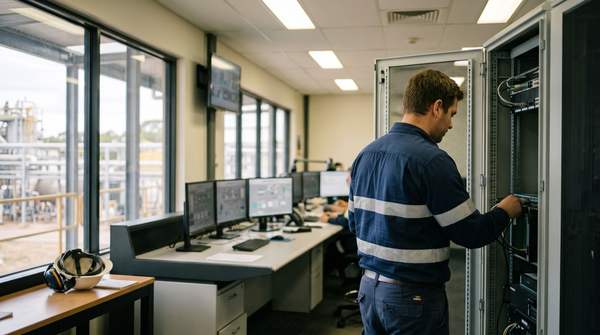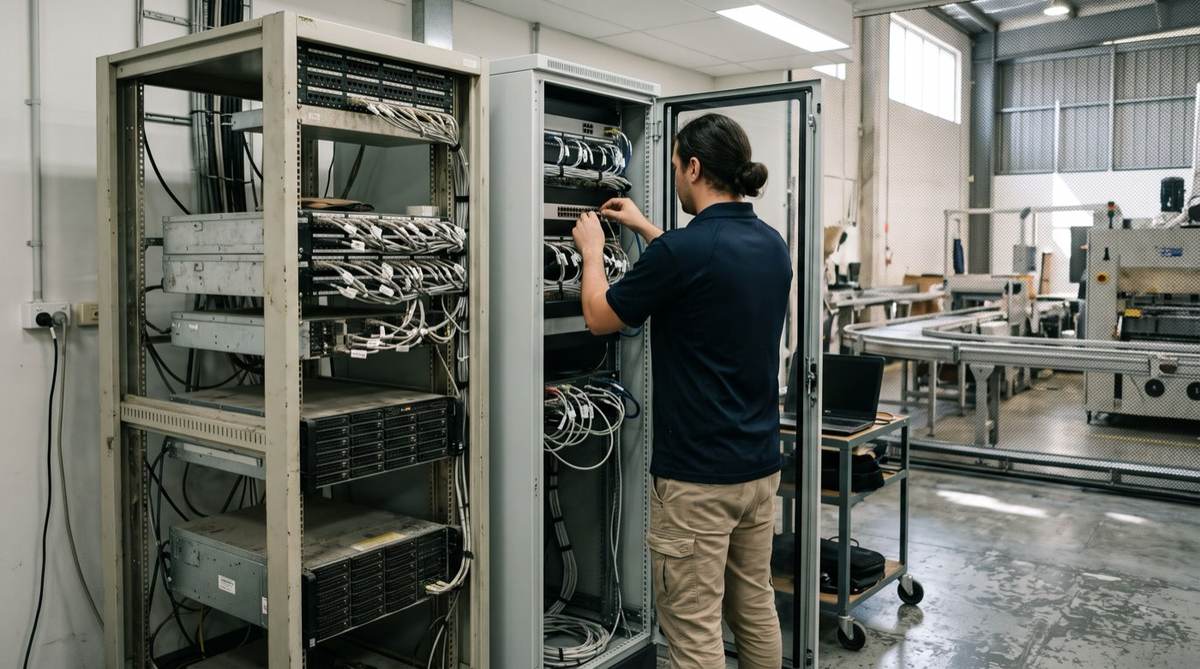
Legacy system integration with AI connects older ERPs, historians and line-of-business systems to AI without replacing them, by adding a communication layer. Five patterns cover almost every case: an API wrapper, a direct database connection, middleware and message queues, file-based integration, and, as a last resort, screen automation. Most organisations use a mix.
Key takeaways
- Rip and replace is rarely the right first move. The missing piece is usually a communication layer.
- Five patterns, in order of preference: API wrapper, database direct, middleware, file-based, screen automation.
- Security does not come for free. A legacy database protected by obscurity needs real controls once it is exposed.
- Start with the easiest valuable system, prove the pattern, then scale.
- Choose a partner who knows both worlds: legacy ERP and historian internals, and modern AI architecture.
Why does legacy integration block AI projects?
The conversation is familiar. An AI initiative is approved, and within minutes the team hits the same wall: "We would use this for predictive maintenance, but production data is locked in a system from 2008." Or: "Our AVEVA PI historian has decades of sensor data, but the data team cannot get to it."
Across our consultants' careers in manufacturing, mining and utilities, including engagements in environments such as BHP, Rio Tinto and Schneider Electric, much of the work was connecting legacy systems to modern platforms. The lesson: integration is a pattern recognition problem. Learn the five patterns and you can connect almost anything to anything.
This guide is for IT managers, CIOs and CTOs who are tired of hearing "you need to modernise first" and want approaches that ship.
Why does rip-and-replace rarely work?
Large replacements are multi-year, capital-intensive and risky. Westpac's multi-year UNITE program to simplify its technology estate shows the scale involved even for a major bank. For a mid-sized organisation with a lean IT team, replacing a core ERP or historian just to enable AI rarely makes sense.
Integration examples are more encouraging. Northern Star Resources, an Australian gold miner, has publicly described using AVEVA PI developer tools to automate data collection from multiple systems and remove manual spreadsheet transfers.
Your legacy system is rarely the problem. The missing communication layer is. Add that layer and a 20-year-old ERP becomes a data source for AI.
What are the five legacy integration patterns?
Choose based on your legacy system capabilities (in order of preference)
- Has any interface (SOAP, COM, CLI)API wrapper: real-time, modern, scalable
- Has an accessible databaseDatabase direct: direct access, batch is fine
- Needs orchestration across several systemsMiddleware: multiple system coordination
- Only supports exportsFile-based: batch only (last resort: screen automation)
Pattern 1: API wrappers, the gold standard
If the legacy system exposes any interface, even SOAP, COM objects or a command line, you can wrap it with a modern REST or GraphQL API. A thin service translates modern calls into the native protocol and handles authentication, errors and data transformation.
# Example: Wrapping a legacy SOAP service
from flask import Flask, jsonify, request


app = Flask(__name__)
legacy_client = zeep.Client('http://legacy-system:8080/service?wsdl')

@app.route('/api/v1/orders/<order_id>', methods=['GET'])
def get_order(order_id):
    # Translate REST call to SOAP
    legacy_response = legacy_client.service.GetOrder(OrderID=order_id)

    # Transform to modern JSON format
    return jsonify({
        'order_id': legacy_response.OrderID,
        'customer': legacy_response.CustomerName,
        'status': legacy_response.Status,
        'created_at': str(legacy_response.CreateDate)
    })
AVEVA PI example. AVEVA (formerly OSIsoft) provides PI Web API for RESTful access to time-series data and PI SQL tools for querying historian data with SQL. For example, a plant with 15 years of sensor data in PI can expose temperature, pressure and flow as governed endpoints, so a data team moves from "we cannot get the data" to a working predictive maintenance model within weeks. See our post on PI System and Power BI reporting.
Use when: the system has any programmable interface, you need near real-time access, or several modern systems need the data.
Pattern 2: Database direct connections
Many legacy systems without APIs sit on relational databases. Use ODBC or JDBC drivers for read access, and build views that expose only what the AI pipeline needs.
-- Create a view that exposes legacy inventory data
CREATE VIEW ai_inventory_feed AS
SELECT
    p.product_id,
    p.product_name,
    i.quantity_on_hand,
    i.reorder_point,
    i.last_updated
FROM legacy_products p
JOIN legacy_inventory i ON p.product_id = i.product_id
WHERE i.last_updated > DATEADD(day, -1, GETDATE());
Security essentials:
- A read-only database user limited to specific views
- Network access lists restricting which servers can connect
- Encrypted connections (TLS)
- Audit logging on queries
Use when: you can reach the database, batch or near real-time sync is fine, and the vendor will not provide an API. Check licence terms, as some vendors restrict direct database access.
Pattern 3: Middleware and message queues
When several legacy systems must share data, or communicate asynchronously, deploy a message broker such as RabbitMQ, Apache Kafka or a cloud queue. Legacy systems publish events and modern systems subscribe.
// Modern AI service subscribing to legacy events
const amqp = require('amqplib');

async function connectToLegacyEvents() {
    const connection = await amqp.connect('amqp://broker');
    const channel = await connection.createChannel();

    // Subscribe to inventory changes from legacy ERP
    await channel.assertQueue('legacy.inventory.changes');

    channel.consume('legacy.inventory.changes', (msg) => {
        const inventoryUpdate = JSON.parse(msg.content.toString());

        // Feed to AI demand forecasting model
        feedToAIModel(inventoryUpdate);

        channel.ack(msg);
    });
}
Options: MuleSoft for complex enterprise transformations, Apache Camel for Java teams, n8n or Workato for simpler low-code flows, or custom Node.js and Python services for full control.
Use when: multiple systems share data, you need event-driven integration, or transformations are complex.
Pattern 4: File-based integration
Many older manufacturing, logistics and construction systems export flat files. Embrace it. The system exports CSV, XML or JSON on a schedule, and an integration service watches a folder or SFTP location, transforms new files and routes them on.
# File-based integration for legacy inventory system


from watchdog.observers import Observer
from watchdog.events import FileSystemEventHandler

class LegacyFileHandler(FileSystemEventHandler):
    def on_created(self, event):
        if event.src_path.endswith('.csv'):
            # Parse legacy CSV format
            df = pd.read_csv(event.src_path, encoding='latin-1')

            # Transform to modern schema
            transformed = transform_legacy_format(df)

            # Push to AI pipeline
            push_to_ai_pipeline(transformed)

            # Archive processed file
            archive_file(event.src_path)

# Monitor the legacy export directory
observer = Observer()
observer.schedule(LegacyFileHandler(), '/mnt/legacy-exports/')
observer.start()
For example, a construction group whose job costing system predates APIs can export daily CSV reports, and a small service can feed them into a cash flow forecast within a couple of weeks.
Use when: there is no API but exports exist, batch is acceptable, or partners send data by file drop.
Pattern 5: Screen automation, the last resort
Robotic process automation (RPA) tools such as UiPath and Automation Anywhere drive the application's user interface as a person would. It is brittle and breaks when the application, operating system or browser changes. Large banks, including Danske Bank, have published RPA programs on COBOL-era systems, but they run dedicated RPA teams.
Use screen automation only when no other method is possible, the value clearly justifies ongoing maintenance, and the application is stable. See AI vs RPA for the trade-offs.
How do you choose the right legacy integration pattern?
| Question | If yes | If no |
|---|---|---|
| Does the system have any API (REST, SOAP, COM, CLI)? | Build an API wrapper | Continue |
| Can you access the underlying database? | Use a database connection | Continue |
| Does it support file exports? | Use file-based integration | Continue |
| Is there a message queue or event system? | Use middleware | Continue |
| Is the UI stable and predictable? | Consider screen automation | Keep the manual process for now |
Most real integrations are hybrid. A typical manufacturing setup might use a database connection for historical production data overnight, an API wrapper around AVEVA PI for live sensor data, file-based integration for weekly vendor price lists, and middleware to orchestrate it all.
How do you choose an AI developer or consulting firm for legacy ERP integration?
Searches for the "best AI consulting firm for legacy ERP integration" or the "best AI software developer for legacy ERP integration" usually come from teams that have been burned by partners who know AI but not the old system, or the reverse. Look for:
- Hands-on legacy experience. Can they name the ERP or historian you run (MYOB Exo, Pronto, JD Edwards, SAP ECC, AVEVA PI) and describe its integration options and quirks?
- Pattern-first thinking. Do they start with your system's capabilities and pick the lightest pattern, or push a platform?
- Security and data residency by design. Read-only access, least privilege, encryption, logging, and AI that runs on your infrastructure in Australia where data is sensitive.
- A proof of concept on real data. One valuable system, measured, before any large commitment.
- You own the code and connectors. No black-box middleware you cannot maintain.
- Operations after go-live. Monitoring, alerting and runbooks, because legacy systems fail silently.
The best legacy system integration tools for AI development are usually the ones your team can support: vendor APIs where they exist (PI Web API, ERP REST APIs), standard drivers (ODBC, JDBC, OPC UA for plant systems), a message broker, and a low-code orchestrator for simple flows.
What does a legacy integration roadmap look like?
- Weeks 1-2DiscoveryAudit data sources, document capabilities, identify quick wins, map to AI use cases
- Weeks 3-6Proof of ConceptOne high-value, low-risk system. Simplest pattern. Validate data quality.
- Weeks 7-18ProductionHarden security, add monitoring and error handling, document runbooks
- OngoingScaleApply patterns to more systems, build reusable components, add middleware where needed
- Discovery (2 weeks): audit data sources, document each system's APIs, databases and exports, find quick wins and map data to AI use cases.
- Proof of concept (4 weeks): one valuable, low-risk integration with the simplest pattern; validate data quality and latency; measure a baseline.
- Production (6-12 weeks): security and access controls, monitoring and alerting, error handling and retries, runbooks.
- Scale (ongoing): reuse proven patterns and components across more systems.
What Australian compliance applies to legacy integration?
- Privacy Act 1988: the integration layer must keep at least the source system's security controls, with data encrypted in transit (APP 11).
- Data residency: if the AI runs in the cloud, keep data in Australian regions, or run it on your own servers. See our data sovereignty guide.
- Sector rules: APRA CPS 234 for financial services information security, the ISM for government workloads, and health privacy obligations for patient data.
How should you compare integration with replacement?
Full replacement means a long timeline, migration risk and disruption. Integration keeps the legacy system running and usually delivers value in months. Build the comparison on your own numbers.
- Time to first AI use caseIntegration: months; replacement: years
- Disruption to operationsIntegration: low
- Data migration riskIntegration: none
- Ongoing maintenance of connectorsBudget for it
We work in fixed-fee phases, agreed before we start, so a proof of concept can stand on its own.
What mistakes cause legacy integration projects to fail?
- Starting with the hardest system. Pick a quick win and build confidence first.
- Underestimating data quality. Issues surface only when you start extracting. Allow time to cleanse.
- Ignoring security. Once exposed, the legacy database needs real controls.
- No monitoring. Legacy systems fail silently. Add health checks and alerts from day one.
- Missing legacy expertise. Bring in people who know the old system for the first implementation.
What does success look like?
| Before integration | After integration | Business impact |
|---|---|---|
| Sensor data locked in old PLCs and historians | Predictive maintenance models running | Planned work replaces breakdowns |
| ERP history inaccessible | Forecasting trained on years of history | Better inventory planning |
| Manual extraction from legacy formats | Automated document and data flows | Hours of retyping removed |
| Systems never talked to each other | Unified dashboards | One version of your numbers |
Most of modernisation is plumbing: moving data reliably, securely and efficiently. It is not glamorous, but it is what makes AI work.
How Solve8 can help
Our consultants and engineers connect legacy ERPs, historians and line-of-business systems to AI using the lightest pattern that works, with security, monitoring and code you own. See our system integration and custom software development services, related reading on AI agent ecosystem architecture, or talk to us.