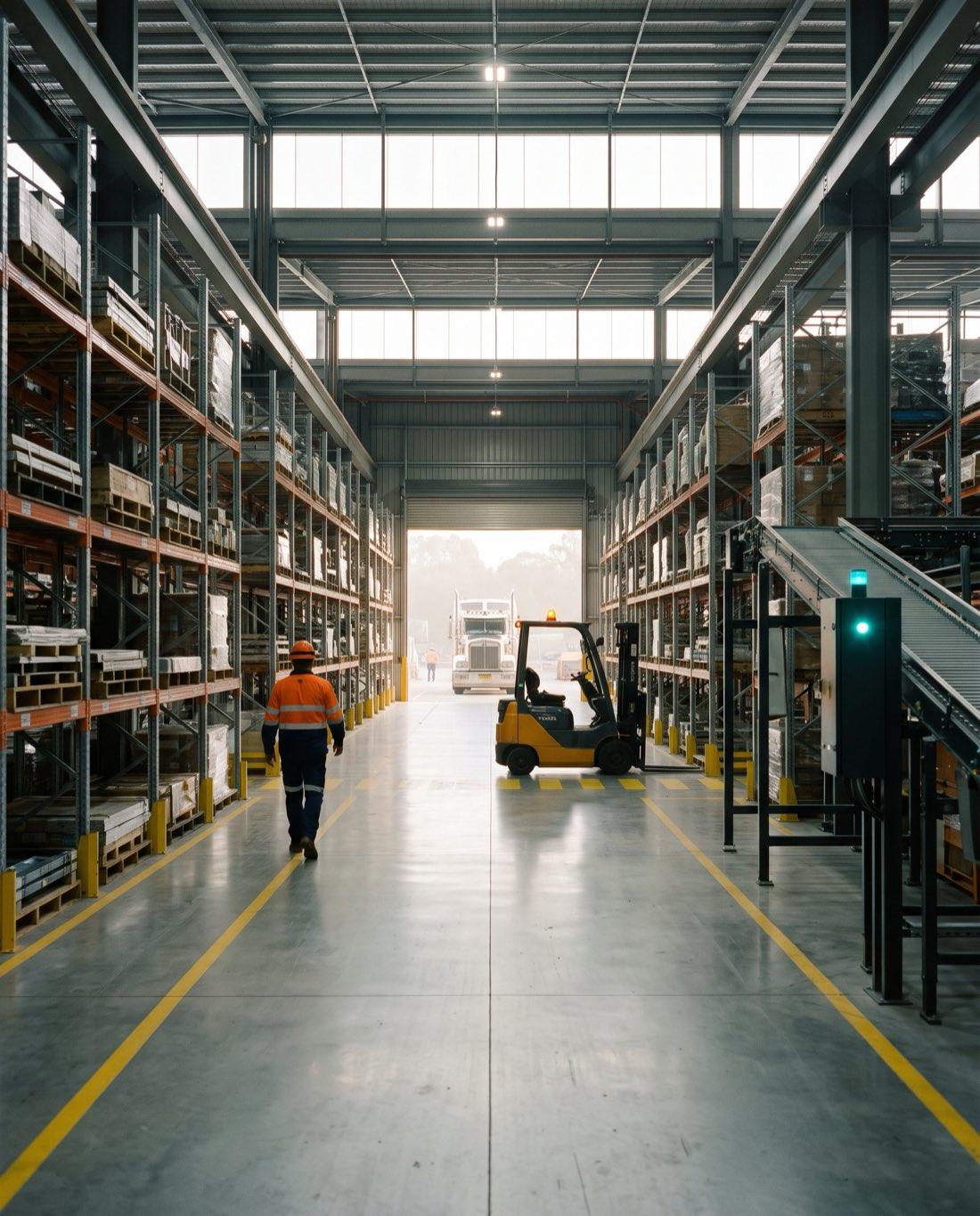
Warehouse operations
I need AI help for my warehouse. Where should we start?
Last updated
Most mid-sized and multi-site warehouses should start with AI in the ERP and document layer before robotics. That means goods receipts, packing slips, supplier invoices and purchase orders read into the ERP, stock discrepancies and demand forecasts drawn from ERP and warehouse history, exception alerts, and admin and reporting agents. Measure one use case against a baseline, then expand.
Who this is for
This page is for operations, warehouse, supply chain and ERP managers at wholesalers, distributors, 3PLs, logistics operators, manufacturers and mining suppliers that run one or more warehouses. Stock, orders and receipts usually sit in Business Central, NetSuite, SAP, Pronto Xi or Microsoft Dynamics 365, sometimes with a separate warehouse management system and Power BI on top. Solve8 delivers in fixed-fee phases: discover one process at one site with a measured baseline, prove it in shadow mode beside your team, build it into your systems on your infrastructure in Australia, then support it or hand it over. We are based in Brisbane and work on site in Sydney, Melbourne, Perth and across Australia and New Zealand.
Robots, shuttles and automated storage solve physical throughput and need capital and site works. Most stock accuracy, receiving and admin problems come from data and paperwork moving between people and systems, which is where AI software can help without changing the floor.
Where AI helps in a warehouse
| Area | What AI does | Who stays in control |
|---|---|---|
| Document capture | Reads goods receipts, packing slips, supplier invoices and purchase orders and prepares the entry in the ERP or warehouse system | Receiving or accounts staff approve |
| Receiving discrepancies | Compares what arrived with the purchase order: short, over, substituted or damaged lines | Purchasing decides on the supplier claim |
| Stock accuracy | Flags locations and SKUs with repeated cycle count variances, negative stock or adjustments outside the usual pattern | Inventory controller chooses what to recount |
| Demand and replenishment | Builds a baseline forecast from sales and stock history and suggests reorder quantities | A planner or buyer approves every order |
| Slotting and pick paths | Suggests moving fast sellers and items picked together closer, based on order history | Warehouse manager approves moves |
| Customer enquiries | Drafts replies to order status, availability and delivery questions from ERP and tracking data | Customer service sends |
| Freight and carrier charges | Checks carrier invoices against consignments and rate cards | Logistics or finance approves payment |
| Equipment maintenance | Reads forklift, conveyor and dock equipment logs and pre-start checks to spot repeat faults | Maintenance lead raises the work order |
Where AI will not help yet
Poor master data
Duplicate SKUs, wrong units of measure and missing pack sizes make every forecast and match unreliable. Fix these first.
No scanning discipline
If stock moves without a barcode scan or a location update, the system never matches the shelf and AI only reports the gap.
Physical throughput limits
Congested docks and aisles or labour shortages at peak need layout changes or automation with capital and site works.
Decisions with no history
New products, one-off projects and new sites have little data to learn from, so a person sets the plan.
What to fix before AI
Item master
One SKU per product, correct units of measure, pack and carton quantities, weights and dimensions.
Location master
Every bin and location set up in the system and labelled on the floor, with no informal overflow areas.
Scan every movement
Receipts, putaway, transfers, picks and adjustments each recorded at the time they happen.
One definition of accuracy
All sites measure stock accuracy and pick errors the same way, so results can be compared.
How to choose the first use case
| Test | What to measure | Good sign |
|---|---|---|
| Volume | Documents, lines or enquiries per week | Hundreds of similar items, every week |
| Errors | Count variances, mispicks, receiving disputes, credit notes | Errors you can count and trace to a cause |
| Hours | Staff time spent keying, checking or chasing | Skilled people doing repetitive checks |
| Data | History in the ERP or warehouse system | At least a year of clean transactions |
| Owner | One manager accountable for the result | Someone who will review exceptions daily |
A phased approach for warehouses
Discover
Pick one process at one warehouse, such as receiving or cycle counts, and measure today's volume, errors and hours.
Prove
AI runs in shadow mode on live work while your team works as normal. You set the accuracy bar and we compare results.
Build
Connected to your ERP and warehouse system with approvals, logs and role permissions, on your infrastructure in Australia.
Run
We support it, or hand over code, documentation and training. Then repeat at the next site or process.
Three warehouses with stock accuracy and picking errors
When several sites all report poor stock accuracy, the cause is usually different at each one. Start by comparing count variances, adjustments and mispicks by site, location and SKU from the ERP and warehouse system. AI is useful here for sorting thousands of variances into patterns: one supplier's units of measure, one zone with no scanning, one shift, or items with similar codes picked in error.
Fix the cause at the worst site, measure again, then roll the same checks to the other sites. A single governed report across all warehouses, described in our answer on one version of the numbers across sites, keeps the sites honest once the fixes are in.
Systems involved
Business Central
The Sales and Inventory Forecast extension predicts sales from item ledger history and suggests replenishment. Microsoft notes it forecasts across all locations combined, so multi-site warehouses need to split the forecast by location afterwards.
Microsoft Dynamics 365 Supply Chain Management
Demand forecasting generates a statistical baseline from history, and manual adjustments must be authorised before planning uses them. Item names and units of measure must match across data sources.
NetSuite, SAP and Pronto Xi
Stock, receipts and purchase orders are read and written through each ERP's APIs, with the same approval rules staff follow today.
Warehouse management system
Location, scan and pick data often sits in a separate warehouse system. We read it alongside the ERP and leave it in place.
Xero and Power BI
Xero holds the finance side where inventory runs elsewhere. Power BI gives one view of stock accuracy, receiving and pick errors across sites.
Related work
- AI for wholesale and distributionQuotes, orders, pricing and freight inside your ERP.
- AI for logistics and 3PL operatorsFreight checks, PODs and depot reporting.
- Purchase orders into the ERPEmailed PDF orders checked and queued for approval.
- Freight invoice matchingCarrier charges checked against consignments.
- One version of the numbers across sitesOne governed report across every warehouse.
- AI agentsAdmin and reporting agents with approvals and logs.
Sources
Microsoft Learn, Using the Sales and Inventory Forecast extension to manage inventory, Business Central: https://learn.microsoft.com/en-us/dynamics365/business-central/ui-extensions-sales-forecast
Microsoft Learn, Demand forecasting overview, Dynamics 365 Supply Chain Management: https://learn.microsoft.com/en-us/dynamics365/supply-chain/master-planning/introduction-demand-forecasting
Questions
Do we need a warehouse management system before using AI?
No. Many mid-sized warehouses run stock and locations inside the ERP, and AI can work from that data. What matters is that receipts, transfers and picks are scanned and recorded at the time they happen. A separate warehouse system helps with directed picking and putaway, and AI can read from it once it exists.
Can AI fix stock accuracy problems across several warehouses?
AI can find the patterns behind poor stock accuracy, such as locations with repeated count variances, suppliers whose units of measure cause receiving errors, or SKUs that get picked in place of each other. People still fix the causes: labelling, scanning and master data. AI then watches for the problem returning at each site.
Will AI demand forecasting replace our planners or buyers?
No. AI produces a baseline forecast and suggested order quantities from history, and a planner or buyer reviews and approves them. Planners add what the history cannot show, such as promotions, new customers, supplier changes or a site opening. Dynamics 365 Supply Chain Management requires manual adjustments to be authorised before planning uses them.
Should we invest in warehouse robotics or AI software first?
For most mid-sized and multi-site warehouses, AI software in the ERP and document layer comes first because it needs no site works and fixes data that robotics also depends on. Robotics makes sense when physical throughput is the constraint and stock, location and order data is already accurate.
How long does a warehouse AI pilot take to show results?
It depends on volume and data quality. A pilot starts with a measured baseline at one site, then AI runs in shadow mode on live work for several weeks so results can be compared against your own team. Only once the agreed accuracy bar is met does it connect to the ERP with approvals.
Can an AI consultancy support warehouses in several states?
Yes. Discovery and the shadow mode trial are usually done on site at the first warehouse, with workshops for the people doing the work. Later sites reuse the same build with local testing. Solve8 is based in Brisbane and works in Sydney, Melbourne, Perth and across Australia and New Zealand.
Related
- Wholesale and distributionQuotes, orders and pricing in your ERP.
- Logistics and transportFreight invoices, PODs and delivery enquiries.
- Customers email us PDF purchase orders and staff retype them into the ERP. Can AI do this reliably?How AI reads emailed PDF purchase orders, checks them against customer, item and price data, routes exceptions to a person, and writes orders to your ERP.
- We pay several carriers and suspect fuel levy and cubic weight overcharges, but nobody checks freight invoices against consignments. How do we automate it?Check each carrier invoice against consignments, recalculate cubic weight and fuel levies from each contract, and send only real discrepancies to a person.
- Every site records things differently and my BI team rebuilds reports by hand. How do we get one version of the numbers?Why branch numbers differ across simPRO, Business Central and Pronto Xi, and how to build one governed Power BI model with a filtered view for every site.
- AI agents for Australian organisations, built inside your systemsAn AI agent is software that reads incoming work, decides within your rules and acts across your systems. A person approves the result.

Running more than one warehouse?
A 30-minute review with a senior consultant. You leave with a written one-page summary you can share internally.
Fixed-fee phases, agreed before we start. Stop after any phase.