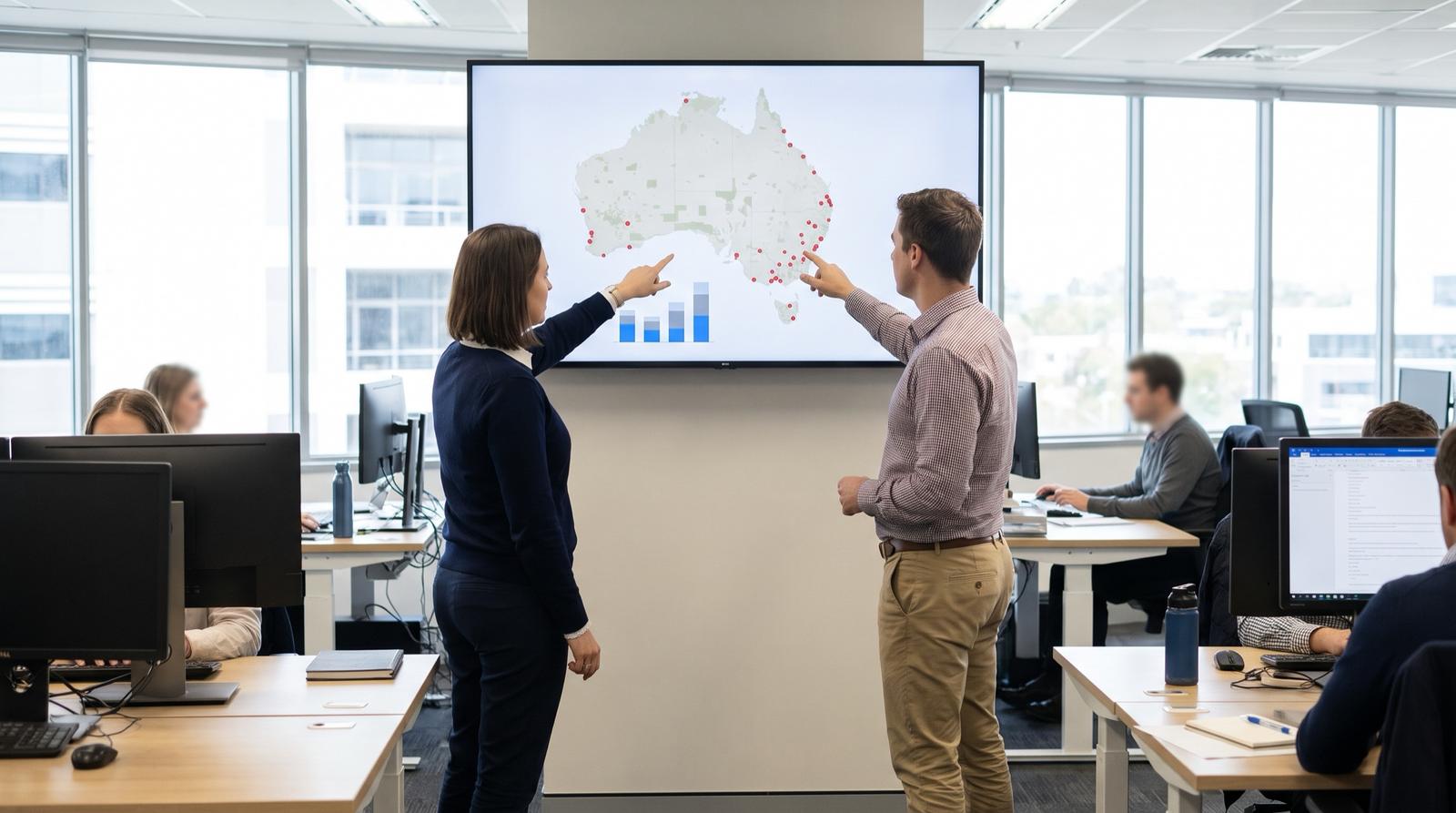
Multi-site AI planning
We have 20 sites. Where should we start with AI, and who can help?
Last updated
Start with one process that runs the same way at many sites, has high volume, a measured baseline, data already in a system and a person who approves the output, such as supplier invoices or incident reports. Pilot it at one site, prove accuracy on live work, then roll it out site by site. A partner should work in fixed-fee phases and build into your systems in Australia.
Who this is for
This page is for COOs, CEOs and the operations or IT lead asked to make AI happen across many depots, branches, plants or project sites in Australia and New Zealand, where staff already use public AI tools and nobody has agreed which process to tackle first.
How to pick the process to start with
High volume
Hundreds or thousands of items a month, such as invoices, work orders or incident reports, so small savings add up and accuracy can be measured.
The same process at many sites
Work every site does in roughly the same way, so one proven build can serve all 20 sites instead of one head office team.
A measurable baseline
Count today's volume, handling time, error rate or backlog at one site first. Without a baseline, nobody can say whether the pilot worked.
Data already in a system
The inputs arrive as emails, PDFs, forms or records in your ERP, field system, SharePoint or a shared mailbox. Processes that live in people's heads need documenting first, and paper forms need scanning.
A person approves the output
AI drafts, classifies or matches, and a named role approves before anything posts, sends or closes. That is a clear control for auditors.
Good starting candidates by function
| Function | Process | Why it suits a multi-site start |
|---|---|---|
| Finance | Supplier invoices into the ERP | Every site raises purchase orders and receives invoices, volume is high and match rates are easy to measure |
| Operations | Maintenance work orders and dispatch | Inspection notes and job requests arrive as free text at every depot and are keyed by hand into the CMMS or field system |
| Sales and estimating | Quoting from defect records or enquiries | Estimators at each branch build similar quotes from similar inputs, so suggested quote lines can be checked against what was actually sent |
| HR | New starter onboarding | Every site inducts new starters, and checklists, licences and induction records drift between sites |
| WHS | Incident and hazard reports | Reports are free text from every site, and classifying them shows repeat causes the WHS committee cannot see today |
| Customer service | Shared inbox triage and CRM updates | Branch and central inboxes receive the same types of request, which AI can classify, log and draft replies for |
One site first, then site by site
Discovery at one site
Map the chosen process at one representative site, measure the baseline and agree what accuracy the process owner needs before AI output can be trusted.
Shadow pilot on live work
AI runs beside the team on real items while staff keep working as normal. The process owner compares the two and decides whether the accuracy bar is met.
Build into your systems
Once the bar is met, connect the AI to the ERP, field system or Microsoft 365 the site already uses, on your infrastructure in Australia, with the approval step built in.
Roll out in batches
Add two to five sites at a time. Each new site gets a short check of its local variations and data before it goes live, and results are compared with the first site.
What changes between sites
Local process variations
One branch codes callouts differently, another uses a different approval limit or form. Record these at each site before go-live and decide whether to standardise the process or configure for the difference.
Data quality
Supplier records, asset registers and customer lists are often cleaner at some sites than others. Accuracy at the pilot site will not carry over to a site with duplicate or missing master data.
Site champions
Name one person at each site who knows the process, checks early output and raises problems. Rollouts stall at sites where nobody local owns the change.
Governance and Microsoft 365 access before you scale
Permissions first
Microsoft states that Microsoft 365 Copilot only surfaces organisational data that a user has at least view permission for. If SharePoint sites and Teams are overshared, Copilot can surface files that staff can technically open but should not see, so fix permissions before a wide rollout.
Approved tools and data
The OAIC recommends not entering personal information, particularly sensitive information, into publicly available generative AI tools. Set a staff AI use policy and give people an approved alternative.
An owner for each use
Keep a register of each AI use, its owner, the data it touches, the human approval step and how accuracy is monitored after go-live.
What to ask about a multi-site rollout
Site variations
How do you record and handle process and data differences at each site before it goes live?
Rollout batches
How many sites do you add at a time, and what check must each new site pass before go-live?
Site champions
Who trains the local champion at each site, and what do they need to check in the first weeks?
Accuracy across sites
How will accuracy be reported by site, so a weak site is found before it drags down the rollout?
How Solve8 delivers it
Solve8 works with multi-site organisations across Australia and New Zealand in fixed-fee phases: discovery on one process at one site with a measured baseline, a shadow pilot on live work where you set the accuracy bar, a build into your systems on your infrastructure in Australia, then support or handover. A person approves every output. Workshops run on site and builds run remotely under your access controls.
Starting candidates in detail
- Supplier invoices into the ERPInvoices read, matched to purchase orders and drafted for approval.
- Maintenance work ordersInspection notes and defect photos drafted as work orders.
- Scheduling and dispatchJob intake, triage and SLA risk for field teams across branches.
- Fire protection quoting case studyDefect records categorised and quote lines suggested.
- Staff onboarding across sitesConsistent induction checklists, licence capture and records.
- Incident reports across sitesFree-text reports classified so repeat causes show up.
- Shared inbox and CRMEmails classified, logged in the CRM and replies drafted.
Sources
Microsoft Learn, Data, privacy and security for Microsoft Copilot: https://learn.microsoft.com/en-us/copilot/microsoft-365/microsoft-365-copilot-privacy
Office of the Australian Information Commissioner, Guidance on privacy and the use of commercially available AI products: https://www.oaic.gov.au/privacy/privacy-guidance-for-organisations-and-government-agencies/guidance-on-privacy-and-the-use-of-commercially-available-ai-products
Questions
Who can help a multi-site organisation across Australia and New Zealand start with AI?
Look for a firm that builds into the systems you already run, works in fixed-fee phases and proves accuracy at one site before rolling out. Solve8 works this way with multi-site organisations across Australia and New Zealand, with workshops on site and builds done remotely under your access controls. Your ERP partner may also help with features inside the ERP.
Should we pilot at our best site or our most typical site?
Pick a typical site with a cooperative manager and reasonable data. A pilot at the best-run site overstates accuracy, and one at the most troubled site mixes AI problems with process problems. Note what makes the pilot site different so the rollout plan accounts for it.
How many processes should we start with?
One. Running several pilots at once splits the attention of the same finance, operations and IT people and makes it hard to say which one worked. Start the second process once the first is live at several sites and its accuracy is being monitored.
Do we need Microsoft 365 Copilot licences for everyone before starting?
No. Process work such as invoice matching or incident classification runs in the background and does not need a Copilot licence per user. Copilot licences make sense for staff who write and search documents daily, after SharePoint permissions are cleaned up.
How long before we know if it works?
Discovery and a baseline at one site typically take a few weeks, and a shadow pilot needs enough live volume to judge accuracy, often a month or two of real items. The decision to build is then based on measured accuracy against the bar the process owner set.
Related
 Should our ERP partner do our AI quoting and order entry, or should we use an AI consultancy?ERP partner or AI consultancy for AI quoting and order entry? When each one fits, when to hire, how they work together and ten questions to ask any provider.
 How to choose an AI consultancy in AustraliaA fair guide to the four types of AI firm, how they compare, twelve questions to ask and the red flags to watch for.
 AI governance your auditors and board can checkWe find every AI use across your sites, including tools staff use without approval, give each an owner and a risk rating, and set up controls and board reporting your auditors can test.
 Every site records things differently and my BI team rebuilds reports by hand. How do we get one version of the numbers?Why branch numbers differ across simPRO, Business Central and Pronto Xi, and how to build one governed Power BI model with a filtered view for every site.

Deciding where to start across your sites?
A 30-minute review with a senior consultant. You leave with a written one-page summary you can share internally.
Fixed-fee phases, agreed before we start. Stop after any phase.