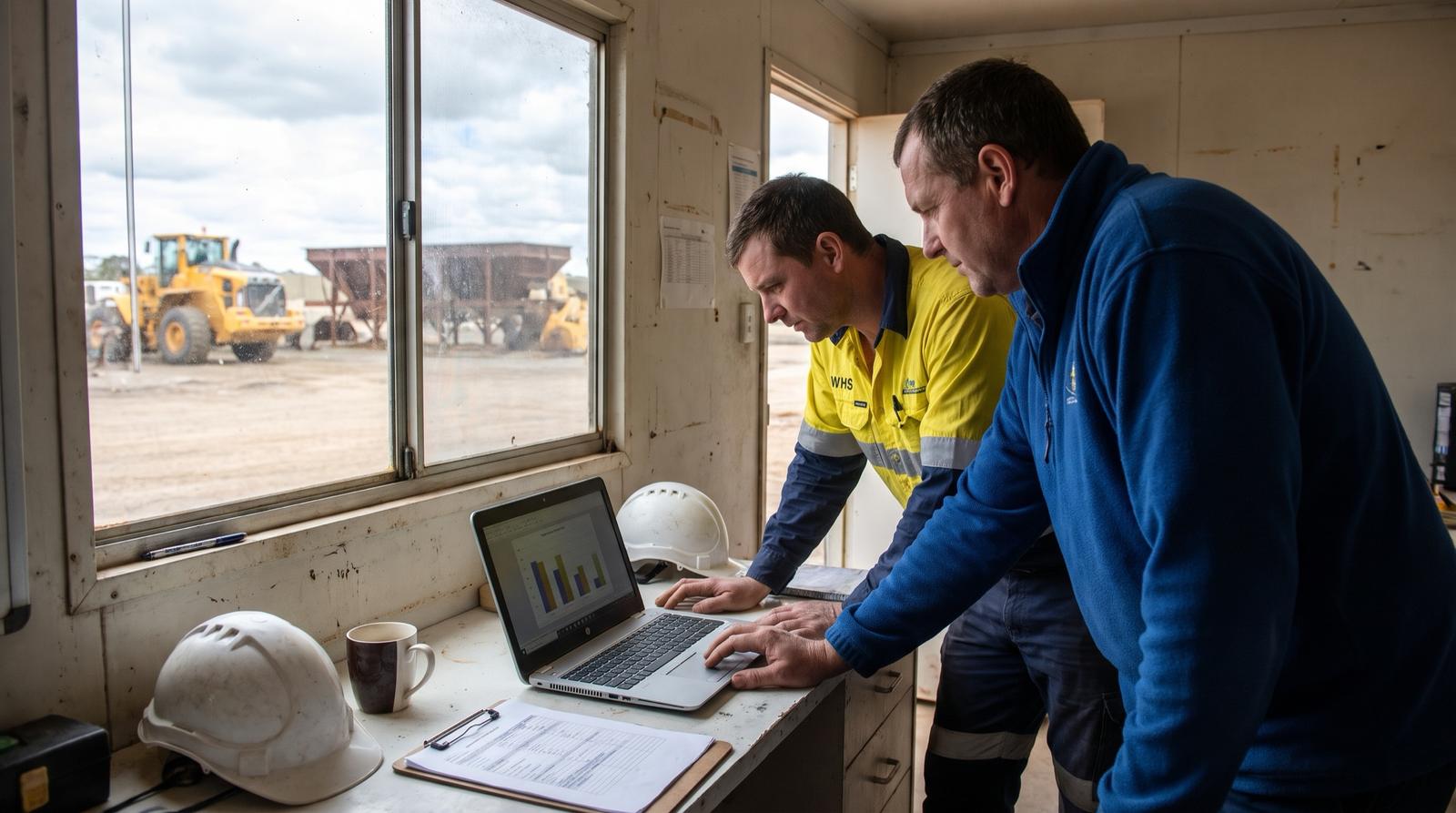
AI for WHS reporting
Our incident reports are free text and we cannot see trends across sites. Can AI find the repeat causes?
Last updated
Yes. AI can read free-text incident and hazard reports from every site, classify each by mechanism, body part, activity and site, group similar events to show repeat causes, flag reports with missing fields and draft summaries for the WHS committee. A WHS professional confirms the classifications. AI does not decide whether an incident is notifiable and does not replace the investigation.
Who this is for
This page is for WHS and HSE managers, safety advisers and operations leads in multi-site organisations across Australia and New Zealand: mining services contractors, builders and civil contractors, manufacturers, water and energy utilities, councils and aged care providers. It assumes supervisors write incident, hazard and near miss reports in their own words, each site records them slightly differently, and the WHS team reads them one at a time without a reliable view of what keeps happening across sites.
What AI can do with free-text reports
Classify each report
Assign mechanism of incident, agency, body part, nature of injury, activity, shift, site and work area from the description, using the coding scheme your organisation already reports against. Each classification carries a confidence score.
Find repeat causes
Group reports that describe the same kind of event, such as hand injuries during manual handling of the same equipment or vehicle interactions at the same loading bay, even when supervisors used different words.
Flag incomplete reports
Spot reports missing the location, the task, the immediate action taken or a description detailed enough to classify, and send them back to the supervisor while the event is still fresh.
Draft committee summaries
Prepare a monthly draft for the WHS committee: counts by site and mechanism, new clusters, overdue corrective actions and a short narrative, for the WHS manager to edit and approve.
Include hazards and near misses
Near miss and hazard reports usually outnumber injury reports and often get less analysis. Classifying them on the same scheme shows emerging risks before someone is hurt.
What stays with people
Classification sign-off
A WHS professional reviews and confirms each classification before it counts in any report. Low-confidence classifications are flagged so the reviewer checks them first.
Notifiable incidents
Whether an incident must be reported to the regulator is decided by people under your existing procedure. In NSW, SafeWork NSW says a notifiable incident, meaning a work-related death, serious injury or illness, or dangerous incident, must be reported to it immediately. Notification rules and regulators differ between states and territories, Comcare covers Commonwealth workplaces and WorkSafe covers New Zealand, so the notification steps stay as they are.
Investigation and corrective actions
AI can point to a cluster worth investigating. Root cause analysis, interviews and the choice of controls remain with the investigation team and site management.
Where incident data usually sits
| Source | Typical issue | How it is handled |
|---|---|---|
| Excel spreadsheets per site | Different columns and category lists at each site, with free text in a comments column | Columns mapped once per site, free text classified on the shared scheme |
| SharePoint lists | Consistent fields but optional ones left blank and long descriptions in one field | Read through Microsoft 365 with your permissions, missing fields flagged |
| Microsoft Forms or Power Apps | Good structure for new reports, but older history held elsewhere | New reports classified as they arrive, history loaded once for the pilot |
| Export from a safety system | Structured fields exist but the description and cause fields are free text nobody codes consistently | Scheduled export classified and joined back to the record ID |
| Scanned paper forms | Handwriting and photos with no searchable text | Text read from the scan for a person to check before classification |
Output into Power BI
Confirmed classifications go into one table with the original record ID, site, date and reviewer, and a Power BI report shows trends by site, mechanism and activity, clusters of similar events and incomplete reports by site. Site managers see their own site and the WHS team sees all of them, using row-level security in one governed Power BI model.
Pilot on historic reports first
Pick one or two sites
Choose sites with a reasonable volume of reports and a WHS adviser willing to review output. Twelve months of historic incident, hazard and near miss reports is usually enough.
Agree the categories
Confirm the mechanism, agency, body part and activity lists the WHS team already uses, and add any local categories such as specific plant or task types.
Code a manual sample
WHS staff classify a random sample of the historic reports by hand without seeing the AI output.
Compare and set the bar
Measure agreement between AI and the manual sample for each category. The WHS manager decides what level of agreement is acceptable and which categories always need review.
Run on new reports
Classify new reports at the pilot sites in shadow for a period, with the WHS adviser confirming each one, then roll out to further sites in batches.
Privacy and access
Incident reports often contain names, injury details and health information. The OAIC recommends not entering personal information, particularly sensitive information, into publicly available generative AI tools, and keeping appropriate human oversight of AI outputs. Run classification in your own environment in Australia with no training on your data, limit access to the WHS team, and keep identifying details out of committee summaries.
How Solve8 delivers it
Solve8 works in fixed-fee phases: discovery on one report type at one site with a measured baseline of review time and unclassified reports, a shadow pilot on live reports where the WHS manager sets the accuracy bar, a build into your SharePoint, Power Platform and Power BI on your infrastructure in Australia, then support or handover. A WHS professional approves the classifications. Workshops run on site and builds run remotely under your access controls.
By industry
 Mining servicesContractors and suppliers working across mine sites.
 ConstructionBuilders and civil contractors with many projects.
 ManufacturingPlants and operational sites with trusted OT data.
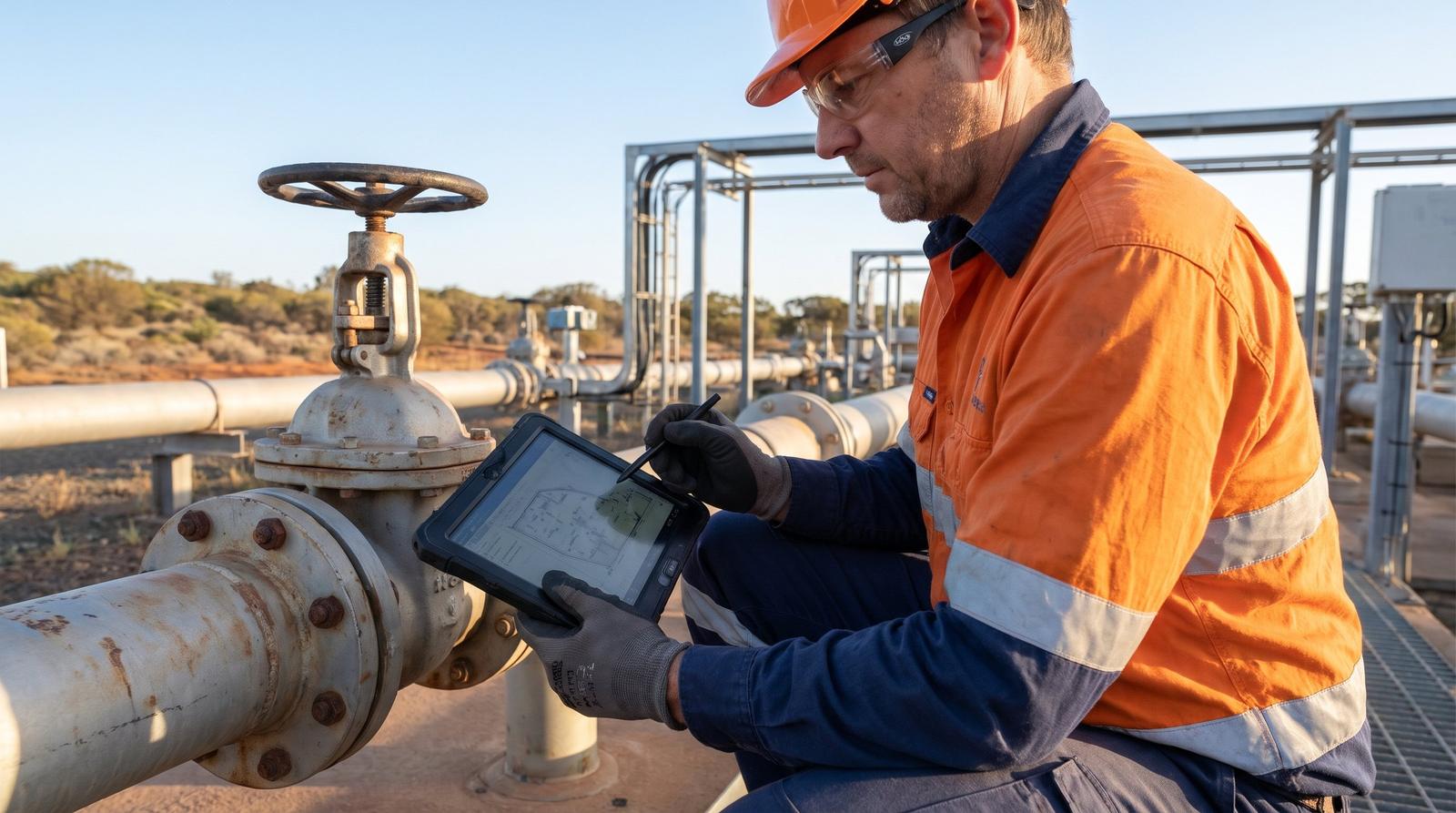 UtilitiesWater and energy networks, plants and field crews.
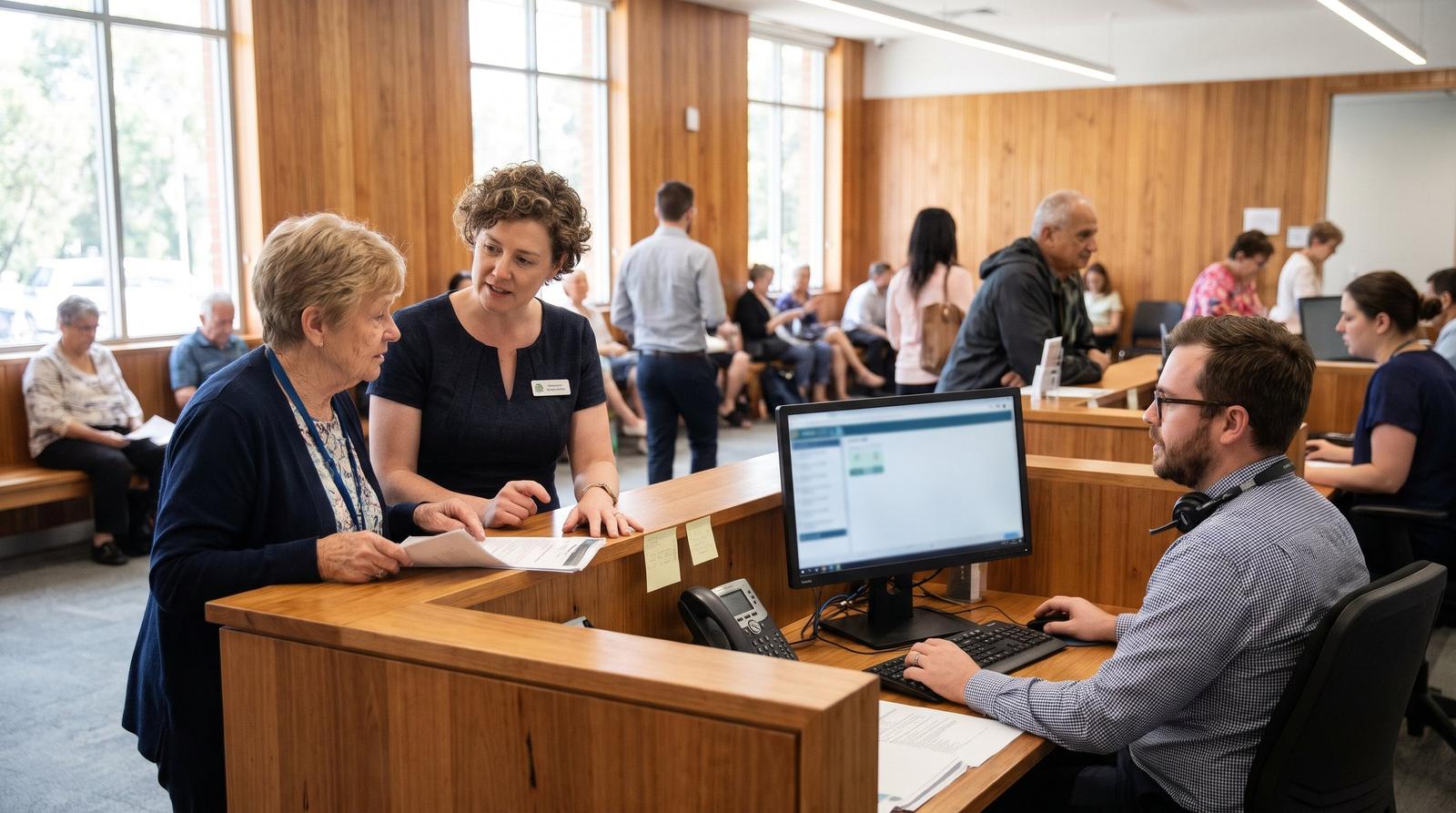 Local governmentCouncils with depots, facilities and field staff.
Sources
SafeWork NSW, Incident notification: https://www.safework.nsw.gov.au/notify-safework/incident-notification
Office of the Australian Information Commissioner, Guidance on privacy and the use of commercially available AI products: https://www.oaic.gov.au/privacy/privacy-guidance-for-organisations-and-government-agencies/guidance-on-privacy-and-the-use-of-commercially-available-ai-products
Questions
Can AI decide whether an incident is notifiable to the regulator?
No. AI can flag reports whose wording suggests a serious injury or a dangerous incident so a person looks at them quickly, but the decision to notify and the notification itself stay with your WHS team under your existing procedure and the law in your state, territory or New Zealand.
How accurate is AI at classifying incident reports?
It depends on how detailed the reports are and how clear your categories are. Measure it on your own data: classify a manual sample of historic reports, compare it with the AI output category by category, and let the WHS manager set the bar. Categories that fall short stay with a reviewer.
Can AI read incident reports across several mine sites and find repeat causes?
Yes. Once reports from each site are classified on one scheme, similar events can be grouped across sites even when supervisors described them differently. The WHS team then reviews each cluster to decide whether it is a real pattern worth investigating.
Do we need to replace our safety system first?
No. Classification works on exports from the system you already have, as well as spreadsheets, SharePoint lists and forms. Results are joined back to the original record ID, so the safety system stays the record of the incident.
Who can help classify incident reports across sites in Australia and New Zealand?
Look for a firm that tests classification against a manual sample from your own reports before rollout and builds inside your Microsoft 365 environment. Solve8 runs workshops on site across Australia, and by arrangement in New Zealand, and builds remotely under your access controls, with a WHS professional confirming every classification.
Related
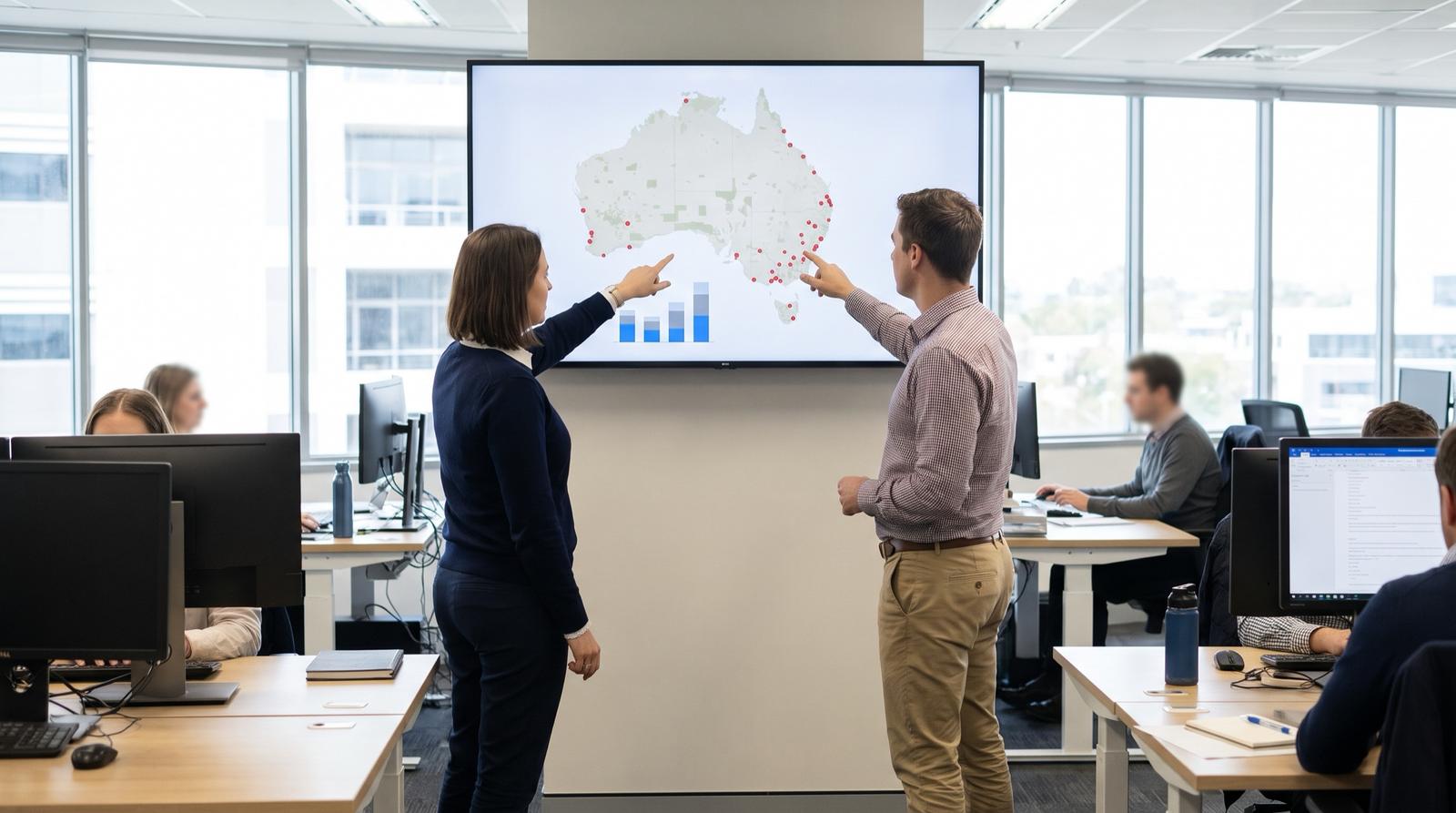 We have 20 sites. Where should we start with AI, and who can help?How a multi-site organisation in Australia or NZ picks where to start with AI: which process, a one-site pilot, rollout by site and what to ask a partner.
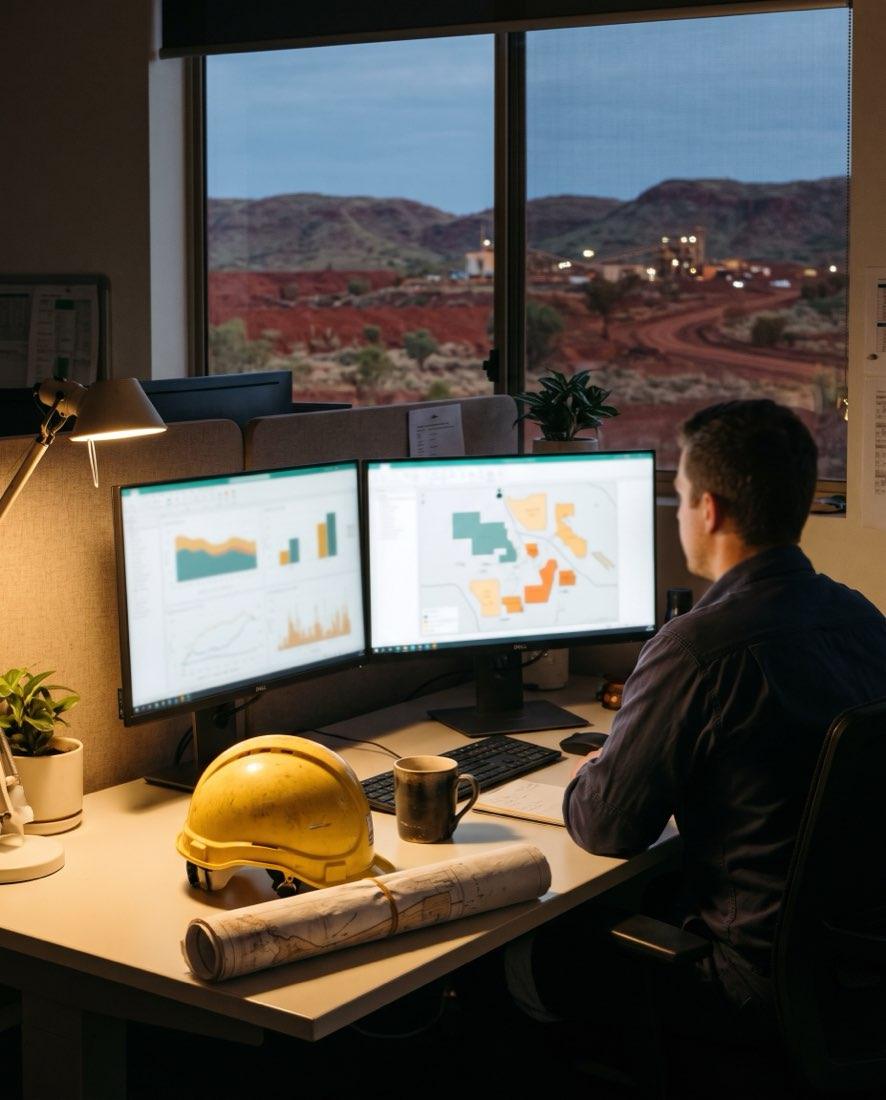 Every site records things differently and my BI team rebuilds reports by hand. How do we get one version of the numbers?Why branch numbers differ across simPRO, Business Central and Pronto Xi, and how to build one governed Power BI model with a filtered view for every site.
 New starters at many sites get different inductions. Can AI make onboarding consistent?Can AI make onboarding consistent across sites? Induction checklists, a policy Q&A assistant, licence and ticket capture, WHS induction records and privacy.
 Inspection notes and defect photos become work orders by hand. Can AI do the first pass?How AI reads inspection reports, technician notes and defect photos, classifies defects and drafts work orders in SAP PM, Dynamics, Pronto or Uptick.
Incident reports piling up across your sites?
A 30-minute review with a senior consultant. You leave with a written one-page summary you can share internally.
Fixed-fee phases, agreed before we start. Stop after any phase.